Free Instagram Carousel Maker in Your Browser — Build a Multi-Slide Post and Save as PNG or ZIP
SENULA COMPANY · 2026-10-18 · 6 min read

A small shop has a sale starting Friday, five photos on a phone, and maybe an hour before closing to turn them into a swipeable post. If you searched for an instagram carousel maker free of sign-ups and watermarks, this guide covers the whole job in a browser. You start from a carousel template at 1080×1350 and finish with five numbered images ready to post.
Nothing is uploaded anywhere while you work. The photos you add stay on your device, and the design is built and saved in the browser tab.

Why carousels often look messy
Most carousels that feel off share the same three problems. Each slide was made separately, so the fonts and colours drift from one slide to the next. The images were made square, and the feed now shows a taller 4:5 frame, so they look small next to other posts. And the text was sized on a laptop screen, so it is hard to read on a phone.
All three come from building slides one at a time. If you build all five as pages of one design, they share the same size, colours and type from the start.
What size an Instagram carousel should be
A portrait carousel uses a 4:5 ratio, which works out to 1080×1350 pixels. It takes up more of the feed than a square 1080×1080 post. The first slide sets the frame for the whole carousel, so keep every slide the same size.
| Format | Pixels | Ratio | Good for |
|---|---|---|---|
| Portrait carousel | 1080×1350 | 4:5 | Product promos, step-by-step tips |
| Square post | 1080×1080 | 1:1 | Single announcements, logos |
| Story or reel cover | 1080×1920 | 9:16 | Vertical full-screen content |
How to use a free Instagram carousel maker, step by step
Open Keepdesk Studio and choose the multi-page carousel template. It starts at 1080×1350, so you don't have to set the size yourself.
Tool for this postKeepdesk StudioDesign templates and short video editingNo upload · Free · No installOpen →- Pick a mood. A mood is a set of colours and fonts. Choose one that fits your shop, such as warm neutrals for a bakery or clean black and white for a stationery store.
- Pick a layout for the first slide. Treat this slide as the cover: one large photo, one short headline, nothing else.
- Add pages until you have five. Keep the same mood on every page so the swipe feels like one piece.
- Drop your photos into frame masks. Crop each photo inside its frame so the product sits in the centre, and use a filter only if all five photos get the same one.
- Set the text. There are 48 fonts, Korean included. Use one font for headlines and one for body text. If a photo is busy, add a light shadow or outline so the text stays readable.
- Line things up. Smart guides show when an element is centred or matches the position on the previous slide. Lock the logo once it is placed so you don't drag it by accident.
- Save. Export each slide as a PNG, or download all five in one ZIP. If you plan to edit later, also save a .kdesign project file.
Keep the headline in the same spot on every slide. When readers swipe, the position stays put and only the content changes, which makes the carousel easier to follow.
Worked example 1: a bakery's 5-slide autumn promo
Mill Lane Bakery runs a weekend promotion and wants the post up by 6 p.m. Thursday. The plan for the five slides:
- Slide 1, cover: a photo of a sourdough loaf with the headline "Autumn weekend, 15% off loaves".
- Slide 2: sourdough, normally $8.00, now $6.80 (15% of $8.00 is $1.20).
- Slide 3: a croissant bundle. Three croissants at $3.50 each come to $10.50, and the bundle is $9.00, so customers save $1.50.
- Slide 4: opening hours, Saturday and Sunday 8 a.m. to 3 p.m.
- Slide 5: the address and "Show this post at the counter".
The owner exports a ZIP and gets millbakery-autumn-01.png through millbakery-autumn-05.png. The numbering matters because the phone's gallery sorts by name, so the slides already appear in posting order.
Worked example 2: a plant shop reusing last month's design
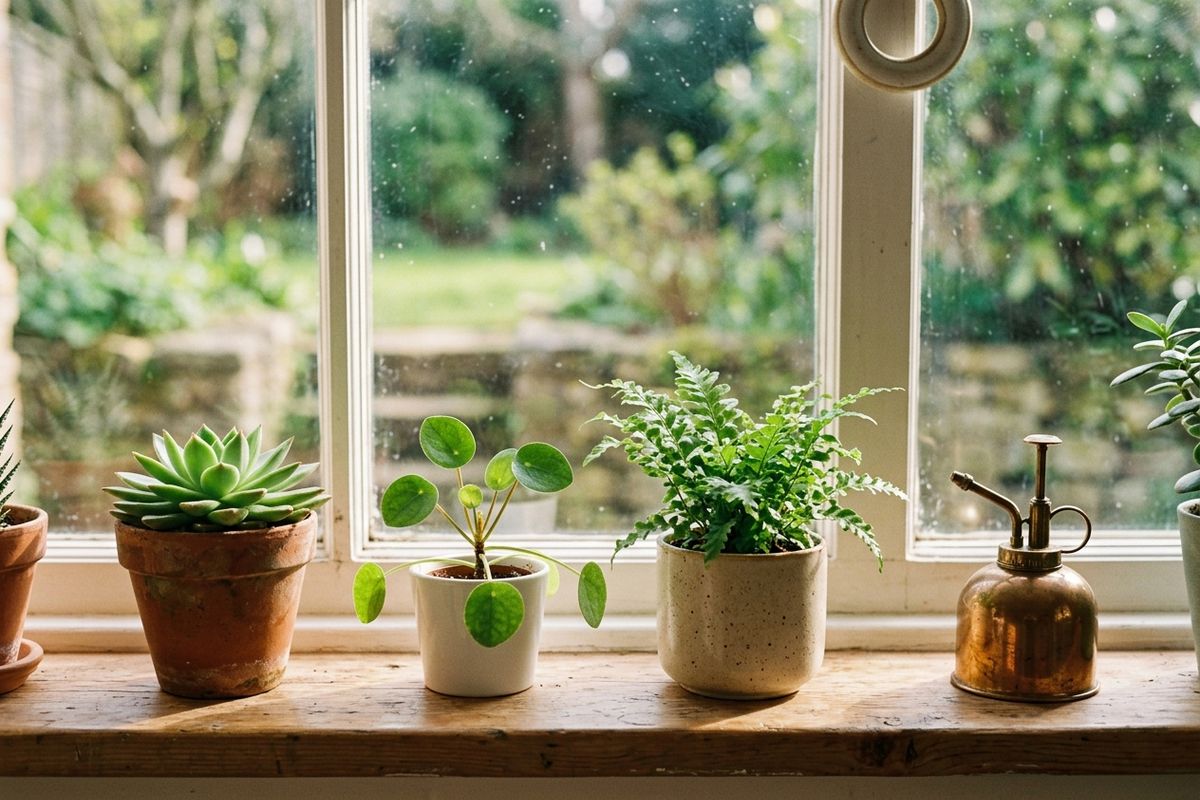
Green Corner made a 5-slide "care tips" carousel in September and saved it as greencorner-care.kdesign. In October they want the same look for a new list of five houseplants.
They open the .kdesign file and swap the five photos inside the existing frames. Each slide gets about 18 words: a plant name, one line on light and one on watering. The update takes about 20 minutes instead of rebuilding from nothing. Then they use magic resize to make a 1080×1920 story cover from the first slide, so the story points people to the new carousel.
How many words per slide
On a phone, most people spend a few seconds on each slide. Short text gets read, and long text gets skipped.
| Slide | Suggested words | What goes on it |
|---|---|---|
| Cover (slide 1) | 3–8 | One promise or offer |
| Middle slides | 10–25 | One product or one point each |
| Price or detail slide | 15–30 | Numbers, sizes, dates |
| Last slide | 8–15 | Where, when, what to do next |
| Body text size | about 40 px or larger | Readable at phone size |
If a slide needs more than 30 words, split it into two slides. A carousel with six clear slides works better than one with five crowded ones.
Common mistakes to avoid
- Mixing sizes. One square slide in a 4:5 carousel gets cropped or padded. Keep all slides at 1080×1350.
- Text near the edges. Leave about 60 px of space on each side so nothing touches the frame.
- Too many fonts. Two is enough. Three starts to look like a ransom note.
- Low-resolution photos. A photo smaller than 1080 px wide will look soft when it fills the frame. Use the original from the phone, not a screenshot.
- No order in file names. If the files aren't numbered, you may post slide 4 before slide 2.
When you check the final version, look at the slides on your phone instead of a monitor. Move the PNGs to your phone, open them one by one in the gallery, and read each slide at arm's length. You can fix any slide in Keepdesk Studio and export just that page again, as long as you saved the project file.
Pre-posting checklist
| Check | Done |
|---|---|
| All slides are 1080×1350 | ☐ |
| Same mood, fonts and colours on every slide | ☐ |
| Cover has one headline under 8 words | ☐ |
| Prices and discounts double-checked | ☐ |
| Text readable on a phone screen | ☐ |
| Files numbered 01 to 05 | ☐ |
| .kdesign project saved for next time | ☐ |

FAQ
Will my images have a watermark?
No. The PNG and JPG files you export have no watermark, and there is no limit on how many you make.
Can I use my own fonts or stock photos?
You can choose from the 48 built-in fonts and add your own photos. There is no stock photo library, so use pictures you took or have the rights to.
Do I need an internet connection the whole time?
Your photos are processed on your device and never uploaded, but keep the connection on while you work: a font is fetched the first time you pick it.
Wrapping up
A good carousel comes down to one size, one mood and a short message on each slide. Build all five slides as pages of one design, check them on your phone, and post them in numbered order. When you're ready for the next promo, open your saved project in Keepdesk Studio, swap the photos, and export a new ZIP.