Compressing Lease Agreement Photos Under 10MB for Online Rental Assistance Applications
SENULA COMPANY · 2026-10-02 · 8 min read
Navigating Rental Assistance Application Requirements
Autumn marks a critical application window for government rental assistance programs, municipal housing relief funds, and student housing grants. When you apply for these subsidies, you must attach a series of verification records through a regional administrative portal. These records typically include your official residential lease agreement, recent bank transfer receipts showing rent payments, and proof of your banking details. Regional housing authorities enforce distinct documentation criteria, requiring you to check the official portal guidelines prior to submitting your application.
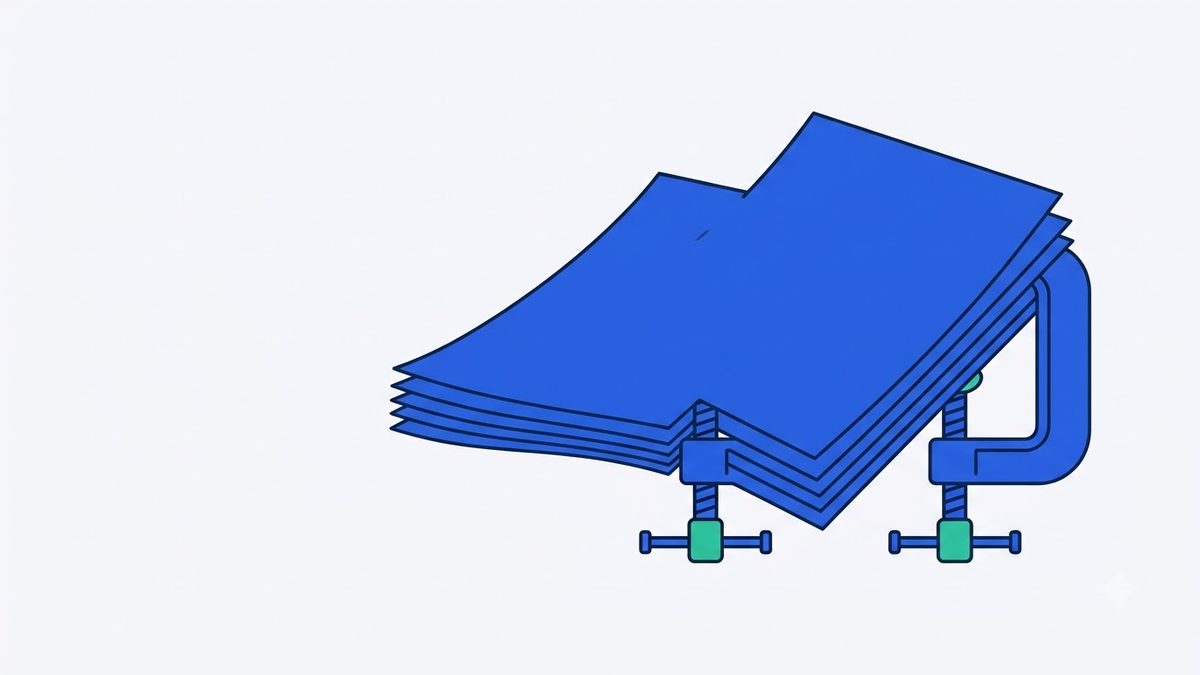
A common technical barrier during the online submission process is the strict file size limit enforced by these public application portals. Administrative systems routinely cap individual document attachments at 10MB, and sometimes as low as 5MB. This limit prevents server overload and reduces data storage costs for the agency. However, it creates an immediate problem for applicants using modern mobile devices to digitize their physical documents.
Modern smartphones capture high-resolution images ranging from 24 to 48 megapixels. A single JPEG or HEIC photo of a lease agreement taken under good lighting frequently exceeds 12MB. Attempting to add these raw, oversized image files directly to the application portal frequently triggers upload timeouts, generic server errors, or outright submission rejections.
The Challenge of Preserving Fine Print Readability
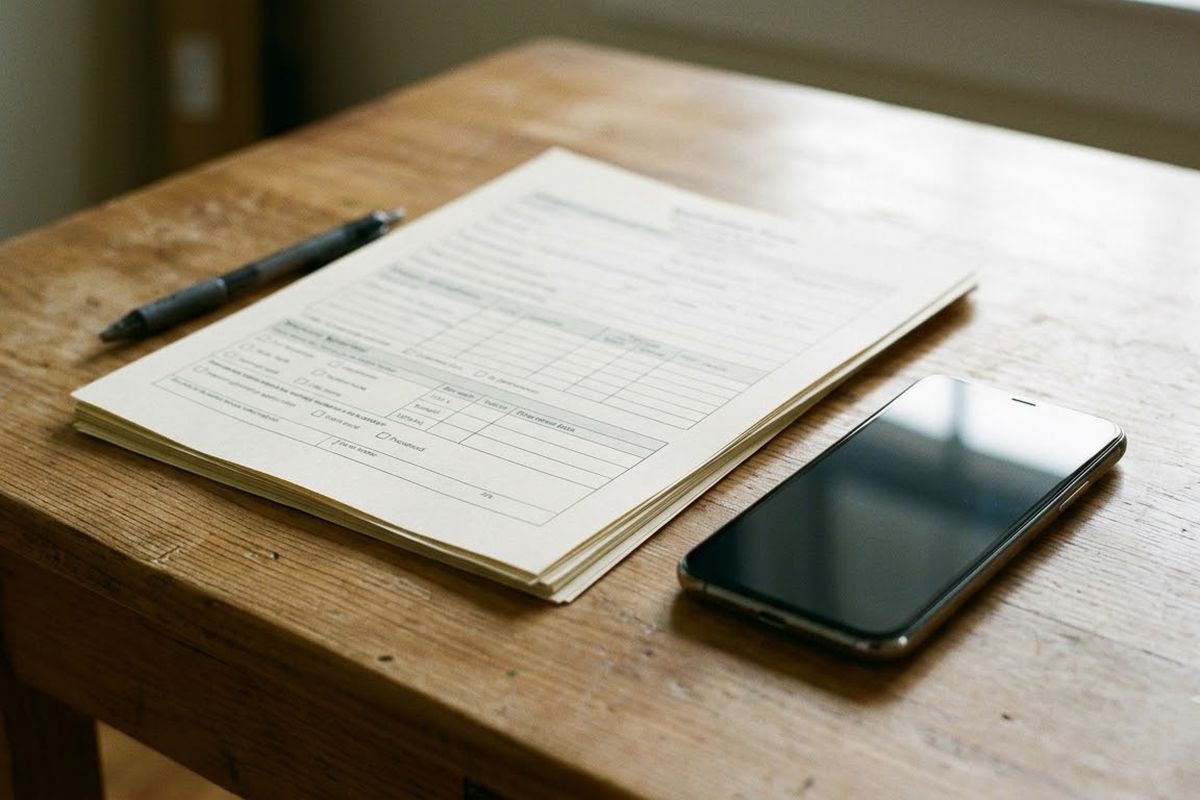
Legal documents like residential lease agreements and bank transfer confirmations contain fine print that caseworkers must verify. This includes tenant and landlord identification details, precise monthly rental amounts, security deposit figures, and special terms. Applying arbitrary resolution downscaling—making the image physically smaller in pixels—risks blurring these small numeric figures. If a caseworker cannot clearly read the bank account number or the signature date, they will flag the document as illegible and demand a time-consuming resubmission.
You need a targeted file size reduction method that lowers the file weight without destroying the text clarity. Instead of cropping the image or reducing the pixel dimensions, adjusting the image compression quality allows you to maintain the physical size of the document while reducing the digital footprint. This binary compression approach adjusts the data density to match an exact target size, eliminating the compromise between file volume and readability.
If you are dealing with large document photos, you can quickly shrink them under the required threshold using Compress to File Size, which automatically calculates the exact quality balance needed to bring the file just under your specified limit while keeping letterforms and numbers sharp. Image files that are already smaller than the 10MB cap remain untouched, preventing any unnecessary image degradation.
Tool for this postCompress to File SizeShrink photos and PDFs to fit a size limit like 200KB or 1MBNo upload · Free · No installOpen →Preparing and Capturing Your Documents
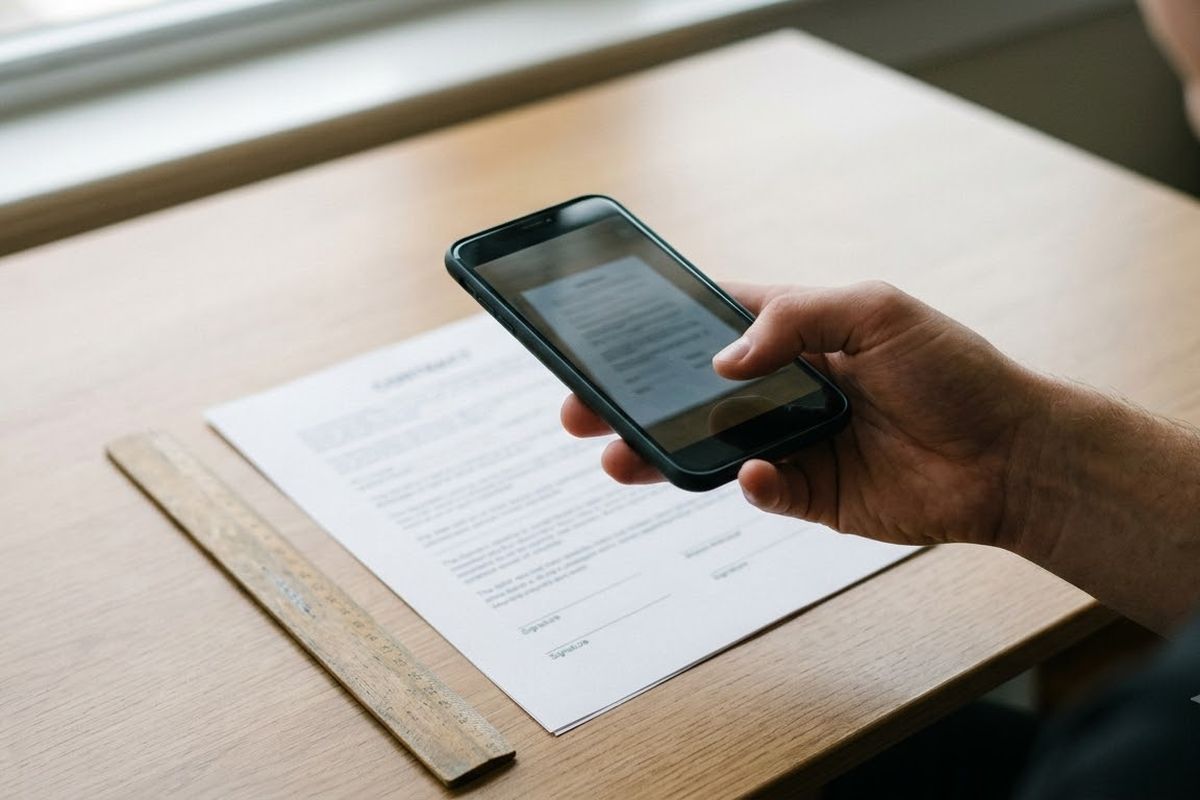
Before reducing the file size, you must capture a clear, high-quality image of your physical document. Start by placing the lease agreement on a flat, well-lit surface, preferably near a window with natural daylight. Turn off your camera flash to avoid creating harsh glare spots that wash out the text. Hold your phone directly parallel to the paper, ensuring the document fills the entire frame without cutting off any margins or signatures.
Take separate photos for each page of the lease agreement. Review each photo immediately after taking it. Zoom in on the smallest text, such as the landlord contact information or the legal clauses at the bottom of the page. If the text appears blurry or out of focus, delete the image and take a new one. Do not worry about the initial file size at this stage; focus entirely on capturing a sharp, legible image.
Tip: Place a dark piece of cardboard or fabric underneath your document before photographing it. The high contrast between the white paper and the dark background helps your phone camera focus faster and makes the text appear sharper.
Steps in Order to Reduce File Size
Once you have clear photos of your documents, you need to prepare them for the application portal. The process requires bringing the file size down to the exact limit specified by your housing authority.
- Check the official portal instructions to confirm the maximum file size limit per attachment, which is typically 5MB or 10MB.
- Locate the high-resolution document photos in your smartphone gallery or computer folder.
- Open your web browser and choose the photos to process.
- Set the target threshold to exactly match the portal limit.
- Save the resulting files, which export automatically as standard JPG format for maximum compatibility.
When dealing with multi-page contracts, dropping the entire batch of photos into Compress to File Size processes all pages at once safely within your browser, packaging them into a convenient ZIP archive. After the batch conversion finishes, open the resulting images locally on your device to verify that dates, serial numbers, and signatures remain clearly readable.
Processing Documents Locally for Privacy Protection
Residential lease contracts contain highly confidential personal data. This includes national identification numbers, bank account numbers, official signatures, and private residential addresses. Many standard online image conversion websites transmit your files to remote cloud servers for processing. This creates unnecessary data privacy and compliance risks for your sensitive personal documentation.
You should never expose your official records to third-party servers. Using a browser-based utility ensures that all image processing operations execute locally within your device memory. This means your document data is never transmitted to an external server. You can process your lease agreements securely, knowing the files remain entirely on your computer or smartphone. Because the processing happens locally, the tool works offline once the initial page has loaded.
Worked Example: Multi-Page Lease Agreement
Consider a scenario where an applicant needs to submit a standard three-page residential lease agreement. The applicant photographs each page using a late-model smartphone. The resulting files are HEIC formats, weighing 14.2MB, 15.1MB, and 13.8MB. The regional housing authority portal states that attachments must be under 5MB per file and only accepts JPG or PDF formats.
The applicant drops all three HEIC files into the browser tool and sets the target size to 5MB. The tool processes the batch locally and saves three new JPG files. The new files weigh 4.8MB, 4.9MB, and 4.7MB. The applicant opens the new JPG files and zooms in on the signature and the monthly rent amount. The text remains crisp and easily readable. The applicant successfully uploads the three compliant JPG files to the portal without encountering any server timeouts.
Worked Example: Bank Transfer Receipt
In another situation, a student applies for a housing grant and must provide proof of rent payment. The student takes a screenshot of their mobile banking application showing the transfer. The original screenshot is a 12.4MB PNG file. The grant application portal enforces a strict 2MB limit for receipt uploads.
The student adds the heavy PNG screenshot to the processor and sets the target size to 2MB. The system recalculates the image data and provides a 1.9MB JPG file. The student checks the transaction reference number and the transfer date on the new image. Both figures are perfectly clear. The student attaches the optimized receipt to their application, and the portal accepts it immediately.
Common Mistakes When Submitting Documents
Applicants frequently encounter delays because they make preventable errors during document preparation. Avoid these common mistakes to ensure a fast application process.
First, do not physically crop the image to reduce the file size. Cropping removes the margins of the document, causing caseworkers to reject the file on the suspicion that information was intentionally hidden or altered. Always include the entire page edge-to-edge.
Second, do not convert your document photos into low-resolution thumbnails. While this drastically reduces the file size, it destroys the legibility of the text. A file that fits the size limit but cannot be read is useless and will delay your application.
Third, avoid submitting HEIC or proprietary raw image formats. Many older government portals lack the software to render these modern formats, resulting in an automatic rejection. Always submit standard JPG images or PDFs unless the portal specifically requests otherwise.
Document Upload Preparation Checklist
| Item | Requirement | Verification Method |
|---|---|---|
| File Size | Under 10MB or portal limit | Check file properties before upload |
| Format | JPG or PDF | Verify file extension ends in .jpg or .pdf |
| Legibility | Fine print is readable | Zoom in 200% on numeric figures |
| Completeness | All page edges visible | Ensure no margins or signatures are cut off |
| Privacy | Processed locally | Disconnect internet while compressing to test |
FAQ
Will compressing the image change the dimensions of my document?
No. The compression process reduces the digital file size by optimizing the image data density, not by shrinking the physical width and height of the picture. The document remains the same physical size on your screen.
Can I process my documents if my internet connection drops?
Yes. Because the image processing happens entirely within your web browser, it does not rely on a continuous internet connection. Once the page has loaded on your device, you can disconnect from the internet and still convert your files securely.
Why do some small text areas look slightly different after compression?
To reduce the file size under your specific limit, the software removes imperceptible visual data from the image. While the text remains sharp and legible for official review, you might notice minor changes in the texture of the white paper background when zoomed in very closely.
Finalizing Your Housing Application
Meeting strict file formatting and size requirements is a mandatory step when applying for housing assistance. Failing to submit compliant documents delays your approval by weeks or results in a denied application. Right before submitting your final packet, shrink any oversized photos securely using Compress to File Size to guarantee they clear the portal limits. Preparing your files correctly ensures your application moves smoothly through the administrative review process.
Try it in your browser nowCompress to File SizeShrink photos and PDFs to fit a size limit like 200KB or 1MBNo upload · Free · No installOpen →