Free Barcode Generator: How to Create EAN-13 Barcodes for Holiday Gift Set Packaging
SENULA COMPANY · 2026-10-19 · 7 min read
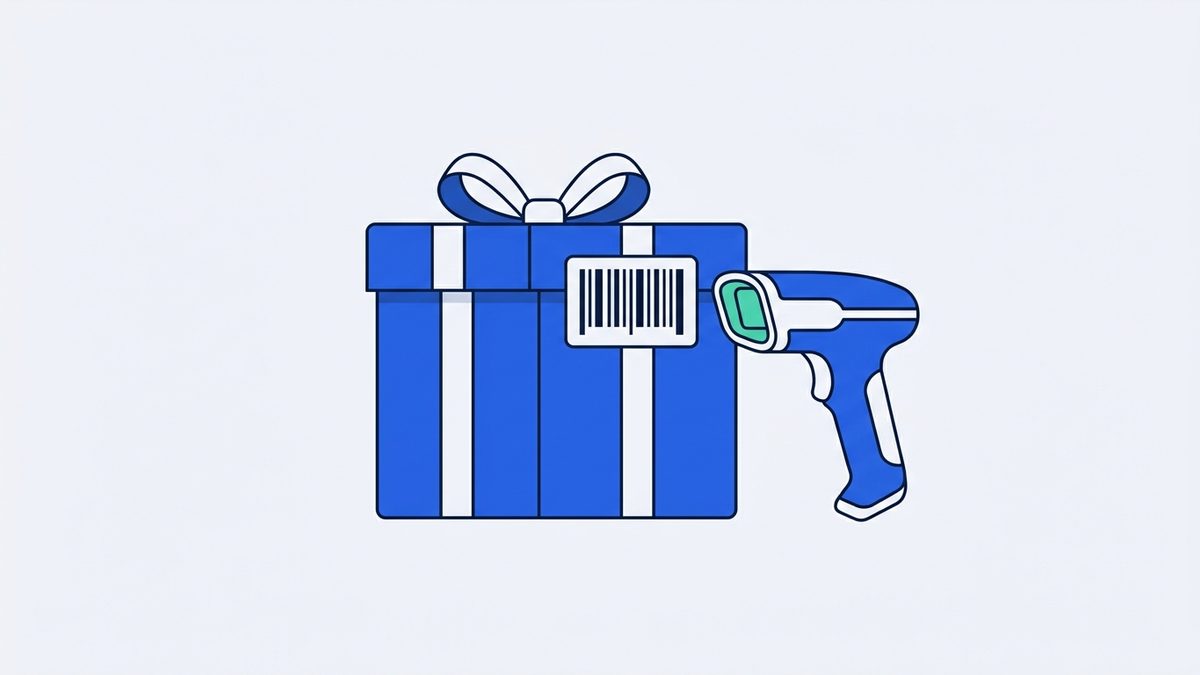
If you plan to sell a seasonal gift set or special product bundle through retail boutiques, regional supermarkets, or e-commerce marketplaces, your packaging requires a scannable retail barcode. Purchasing expensive graphic design software or specialized barcode plugins just to produce a single packaging label is an unnecessary financial burden for independent craft workshops and growing brands. Instead, you can create a production-ready EAN-13 barcode using a free online barcode generator and deliver the resulting vector file directly to your commercial printing partner.
However, generating the graphic file is only one part of the packaging process. Knowing where to obtain authentic product numbers, understanding digit structure, and choosing the proper file format for prepress technicians are essential to avoid expensive reprinting fees. A single unreadable barcode can lead to rejected retail inventory, delayed shipments, and missed holiday sales.
Send Package Designs to the Print Shop Three Weeks Before Peak Season
Mid-November kicks off one of the busiest packaging windows in the retail calendar. Whether you produce confectionery gift boxes for seasonal November occasions (such as Korea's November 11 Pepero Day), college entrance exam gift sets, or early winter holiday bundles, commercial print shops face severe scheduling bottlenecks starting in late October. Factoring in prepress proofing, structural box die-cutting, specialized finishes, and shipping transit, handing off your finalized artwork files at least three weeks before your retail launch date is the safest strategy.
For example, consider an independent confectionery workshop targeting a hard launch date of November 11. To hit retail shelves on time without paying rush turnaround surcharges, organize the packaging calendar backward from delivery:
| Stage | Example Date | Key Action |
|---|---|---|
| Finalize Product Numbers | October 17 | Organize verified 13-digit numbers for each distinct SKU |
| Generate Barcode Assets | October 18–20 | Export SVG files, run test prints, perform scanner verification |
| Submit Print Order | October 21 | Deliver final dieline art and barcode SVG files to the printer |
| Review Prepress Proofs | October 23–24 | Double-check barcode scaling, ink contrast, and placement margins |
| Receive Finished Packaging | Around November 1 | Perform physical scan audits on received production boxes |
| Assembly and Distribution | November 2–8 | Pack merchandise and deliver finished units to retail channels |
October 21 sits exactly twenty-one days ahead of November 11. Because print turnaround schedules vary significantly based on print shop backlog and box complexity, always confirm delivery commitments with your printer when requesting quotes.
Understanding the Structure of EAN-13 Barcode Numbers
Most consumer goods scanned at retail checkouts rely on the EAN-13 standard. In South Korea, issued numbers begin with country prefix 880, followed by a company prefix, an item reference number, and a final check digit. International GS1 member organizations assign corresponding prefixes worldwide (such as 500–509 for the UK or 000–139 for North American UPC compatibility).
You must never invent an arbitrary barcode number for retail distribution. Legitimate retail EAN numbers are assigned under an authorized company prefix licensed through an official GS1 member organization, such as GS1 Korea or GS1 US. GS1 membership requires registration and annual renewal fees, and application processing takes several business days. Obtaining your official prefix should always sit at the start of your schedule.
The thirteenth digit is a check digit computed mathematically from the preceding twelve digits. Take the illustrative sequence 880123456789:
Sum the odd-position digits (1st, 3rd, 5th, 7th, 9th, 11th): 8 + 0 + 2 + 4 + 6 + 8 = 28.
Sum the even-position digits (2nd, 4th, 6th, 8th, 10th, 12th): 8 + 1 + 3 + 5 + 7 + 9 = 33.
Multiply the even-position sum by 3: 33 × 3 = 99.
Add the two intermediate sums: 28 + 99 = 127.
Subtract the units digit (7) from 10: 10 - 7 = 3.
The resulting check digit is 3, completing the valid sequence 8801234567893.
Generating EAN-13 Barcodes with a Free Online Generator
Once your product numbers are organized, open Barcode Generator, select the EAN-13 format option, and type in your digits. All encoding and rendering processes take place entirely inside your local web browser. Your unpublished SKU numbers never travel over the network to external servers, protecting upcoming product launches from accidental leaks.
Tool for this postBarcode GeneratorCode 128, EAN-13, EAN-8, UPC-A as SVG or PNG; check digit computedNo upload · Free · No installOpen →- Entering only the first 12 digits prompts the tool to automatically calculate and append the correct thirteenth check digit.
- If you enter a full 13-digit sequence containing an incorrect check digit, the generator highlights the error and displays the accurate number, allowing you to catch typos immediately.
- You can adjust bar width and height parameters while keeping the human-readable text display active. This ensures cashiers can key in numbers manually if a box edge gets damaged.
- Export your final production artwork as an SVG vector file for commercial printing, reserving PNG raster exports for digital mockups or online catalog previews.
If your operational goal is internal workshop inventory tracking rather than retail point-of-sale checkout, Code 128 is a more versatile alternative because it natively supports alphanumeric characters.
Why You Should Always Deliver Barcodes in Vector SVG Format
Raster image files such as PNG or JPEG lose sharpness when scaled. Even slight variations in bar width caused by pixel anti-aliasing can prevent retail optical scanners from reading the symbol. Because SVG is a vector format, lines remain mathematically sharp whether scaled for a master shipping carton or a small gift box. Always verify that your commercial print shop accepts vector SVG assets, and instruct their prepress team to place the vector graphic directly into the packaging artwork file without rasterizing it.
For example, if a workshop introduces a 12-piece gift box and a 6-piece sampler set, each SKU requires a distinct EAN-13 number and separate artwork file. Mixing up these files causes cash registers to scan the incorrect price at checkout, disrupting inventory records and pricing.
Always append the complete 13-digit number directly to your exported filename. Example:
gift-pepero-12_8801234567893.svg.
Common Mistakes in Barcode Sizing, Color, and Placement
Standard nominal dimensions for an EAN-13 barcode symbol are approximately 37.29 mm wide by 25.93 mm high, including required quiet zones. Official packaging guidelines permit scaling within an 80% to 200% magnification range. At 80% magnification, total width measures approximately 29.8 mm; avoid scaling below this limit, as smaller bars degrade scanner readability. Similarly, truncating vertical bar height to fit tight margins prevents omnidirectional checkout scanners from reading the code at an angle.
Color contrast is equally critical. Commercial retail scanners illuminate barcodes using red light and measure surface reflectance. Black or dark navy bars printed against an opaque white background yield the highest contrast. Never print barcode bars in red, orange, or warm yellow, because these colors reflect red light just like white backgrounds, rendering bars invisible to optical sensors. Metallic foil, dark kraft paper, and textured cardboard also cause frequent scan failures.
Maintain clear quiet zones (blank margins) on the left and right sides of the barcode, keeping them free of typography and borders. Never place barcodes across folding creases, flaps, or curved corners. If a prepress proof indicates that your barcode was scaled down excessively, return to Barcode Generator to adjust height and bar width, export a fresh SVG, and request a proof update.
Barcode Scanner Reading Test Checklist
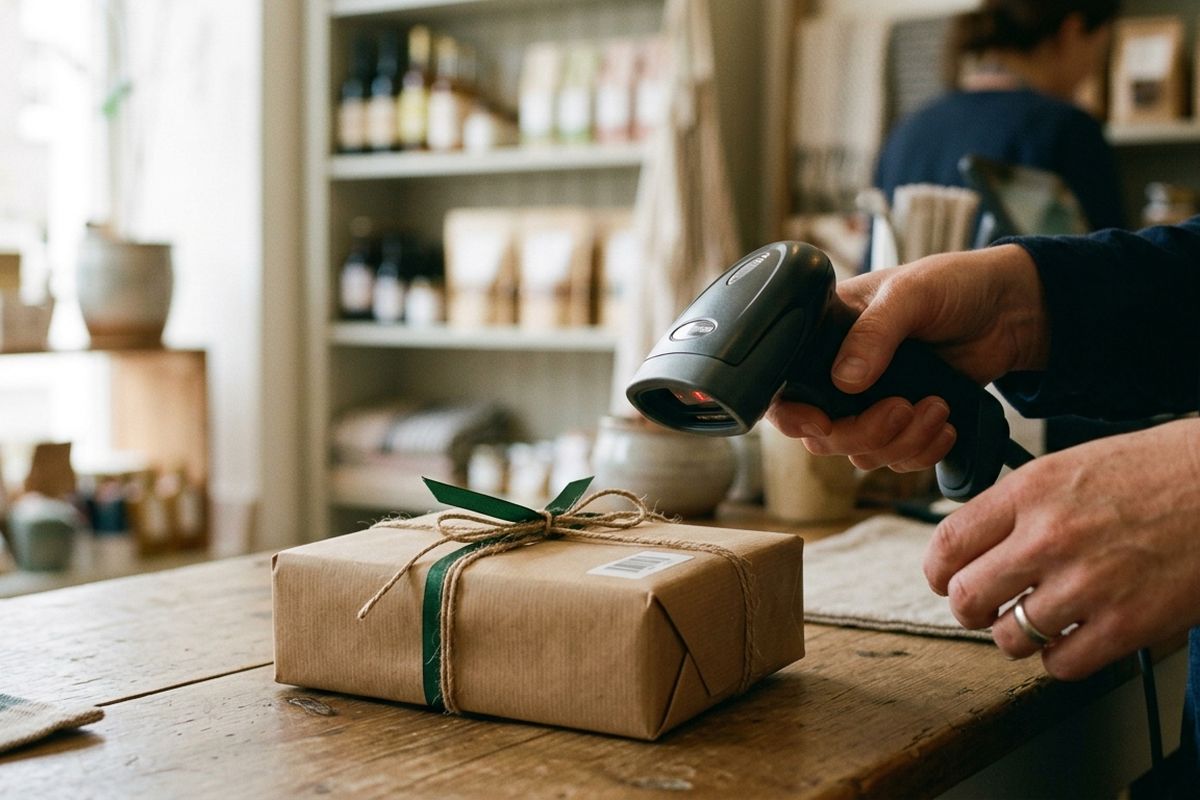
- Print the exported SVG at 100% scale on a laser printer and test scan it using a smartphone barcode app and a handheld scanner.
- Confirm that the 13-digit sequence decoded by the scanner matches your official GS1 allocation record.
- When you receive physical or digital press proofs from your printer, repeat the scanning test directly on the proof sheets.
- As soon as finished packaging arrives at your facility, pull random sample boxes from each SKU batch and conduct physical scan tests.
- Verify that your retail partners have registered the correct 13-digit numbers alongside their respective product titles in their point-of-sale inventory databases.
Frequently Asked Questions
Can I generate and print a barcode without registering an official GS1 number?
You can generate the barcode graphic itself using any arbitrary digits, but retail point-of-sale systems require authorized GS1 numbers to prevent conflicts. Fabricating random numbers risks colliding with existing products already registered in store inventory systems.
Can I encode Korean or English product names directly inside an EAN-13 barcode?
No. The EAN-13 barcode standard is designed exclusively to store numeric data. It holds exactly thirteen numeric digits. Product titles, descriptions, and retail pricing reside in your retailer's inventory database, which retrieves the appropriate item record when the barcode is scanned.
Can I generate QR codes using this same barcode generator tool?
The barcode generator does not produce 2D matrix symbols like QR codes. If you need a secondary QR code on the back of your package to link shoppers to websites, nutrition information, or promotional campaigns, use QR Code Generator to generate a separate vector SVG or raster PNG file.
Summary and Next Steps
Preparing packaging for high-demand seasonal gift sets requires setting your product numbers and vector artwork well in advance to prevent costly production bottlenecks. Once your official GS1 product numbers are finalized, visit Barcode Generator to generate clean SVG vector files and run initial print tests today. Performing a scan audit before handing files to your printer protects your production budget from expensive packaging reprints and ensures your merchandise moves smoothly through retail checkout registers.
Try it in your browser nowBarcode GeneratorCode 128, EAN-13, EAN-8, UPC-A as SVG or PNG; check digit computedNo upload · Free · No installOpen →