Autumn Cafe Menu Posters: How to Remove Drink Photo Backgrounds in Seconds
2026-10-03 · 3 min read
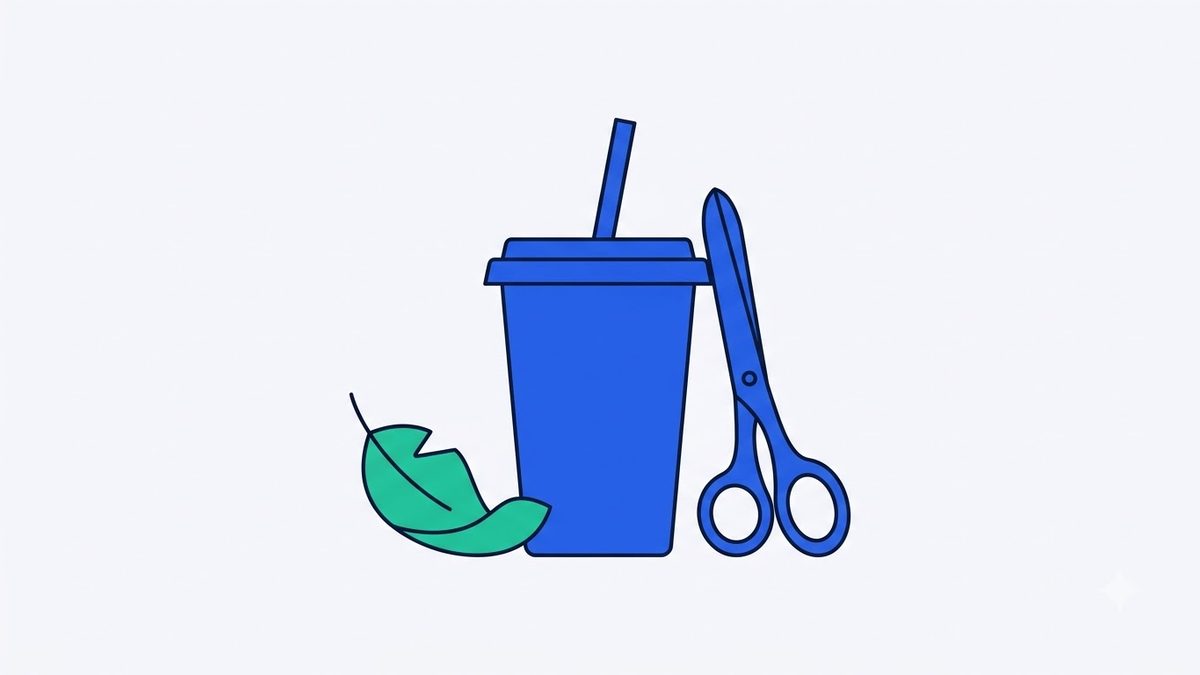
Every October, independent cafes, bakeries, and beverage shops prepare to launch seasonal autumn menus, featuring spiced lattes, roasted chestnut beverages, pumpkin pastries, and warm seasonal ciders. Announcing these offerings through social media announcements, delivery platform menus, or printed countertop posters requires clean, appetizing product photography. However, photos snapped inside a busy cafe often capture distracting background elements, such as espresso machines, reflective syrup bottles, stainless steel sinks, or passing customers. Cafe owners without graphic design software or dedicated marketing staff need a straightforward way to extract product silhouettes cleanly.
Why Background Removal Is Essential for Cafe Promotional Photos
While ambient cafe lighting and warm interior decor feel cozy to visiting customers, camera lenses often pick up harsh shadows, glossy counter reflections, and cluttered background lines that distract from the beverage itself. Autumn drinks typically feature rich amber, caramel, cream, and warm brown tones that easily blend into wooden tables, exposed brick walls, or dark countertops.
To place a drink photo onto a promotional poster template or digital menu board, you need an isolated subject with a transparent background. Manually cutting out objects using graphic pen tools—a process known as clipping—demands significant time and technical skill. Browser-based background removal tools automate this task, isolating drinks and desserts in just a few seconds.
Removing Image Backgrounds with In-Browser AI Models
Instead of navigating complex photo editing software, dragging your product photo into Remove Image Background activates a built-in U²-Netp artificial intelligence model designed to recognize edges around people, animals, and objects. The tool identifies your beverage cup or dessert plate and cleanly separates it from the surrounding room without requiring user accounts or software installations.
Tool for this postRemove Image BackgroundCut out people or products to a transparent PNG; AI or solid colourNo upload · Free · No installOpen →When you first open the tool, your browser downloads a compact ~15 MB model file once, after which the application runs entirely offline. Because the image processing executes locally within your computer or tablet browser, your promotional photos never upload to external servers. This local processing ensures that unreleased seasonal recipes, promotional concepts, and internal branding materials remain completely private.
Choosing Between AI Mode and Solid-Colour Mode
Selecting the appropriate processing mode depends on how your original photo was captured. For beverage pictures taken against active cafe interiors, textured walls, or varied counter spaces, the AI mode in Remove Image Background delivers the most reliable subject separation. For dessert or packaged coffee photos taken inside a tabletop light tent or against a solid seamless backdrop, the solid-colour mode offers razor-sharp edge detection by sampling the corner color and removing connected background pixels.
You can adjust edge softness and tolerance settings to refine the boundary around cup rims, straws, and garnishes. Keep in mind that certain challenging textures—such as semi-transparent glassware, delicate whipped cream tips, or steam—may not separate with 100% perfection. Capturing your original photo with strong visual contrast against the backdrop yields the cleanest cutout.
Export your finished cutout as a transparent PNG file to layer directly onto Canva or Photoshop templates, or save it as a clean JPG with a crisp white or colored background. When preparing a full seasonal rollout, batch processing allows you to process multiple menu items simultaneously and download them together in a single ZIP archive.
Finalizing Your Autumn Menu Marketing Materials
Clean, isolated product cutouts are ready for immediate deployment across Instagram stories, food delivery app listings, tabletop display cards, and entrance posters. When you are busy managing daily cafe operations ahead of a seasonal launch, using Remove Image Background in your browser provides a fast, privacy-focused way to produce polished promotional graphics without graphic design overhead.
Try it in your browser nowRemove Image BackgroundCut out people or products to a transparent PNG; AI or solid colourNo upload · Free · No installOpen →